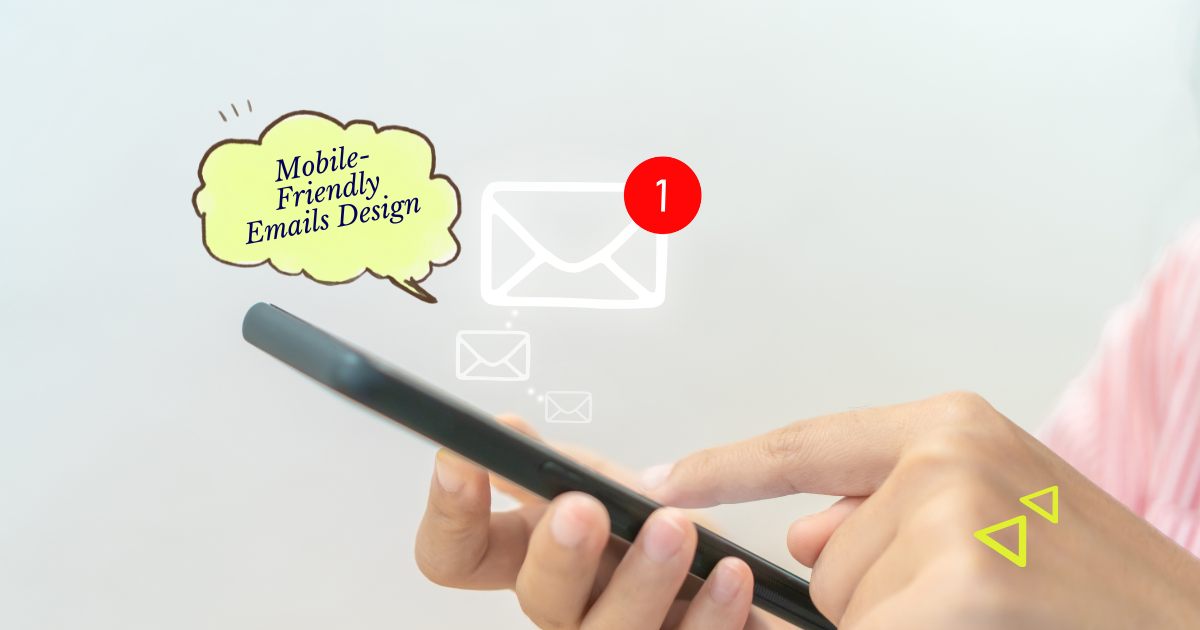
Imagine being able to send the right email to the right person at exactly the right time — automatically. That’s the power of email automation. It helps businesses nurture leads, engage customers, and save hours every week while improving conversions.
If you’re new to automation, don’t worry. This beginner-friendly guide will walk you through what email automation is, how it works, and how to set it up step-by-step — so you can start building smarter, more efficient email marketing campaigns.
Key Takeaways
- Email automation saves time: Set it up once, and it runs on autopilot.
- Personalization is built-in: Automated workflows deliver messages based on behavior and data.
- Consistency builds trust: Automation ensures no lead or customer falls through the cracks.
- Start small, then scale: Begin with one workflow and grow your automation system gradually.
- Data drives performance: Use analytics to refine your sequences for better results.
This guide explains what email automation is, how it works, which tools to use, and step-by-step instructions for setting up your first automated workflows — plus tips to optimize them for engagement and conversions.
What Is Email Automation?
Email automation uses technology to send pre-written emails automatically based on specific actions or triggers. Instead of manually sending each message, you create workflows that run 24/7 — greeting new subscribers, following up with leads, or re-engaging inactive customers.
Examples of automated emails include welcome sequences, birthday messages, abandoned cart reminders, and reactivation campaigns. These emails are timely, relevant, and personalized — exactly what customers expect from modern brands.
Why Email Automation Matters
Automation turns one-time campaigns into continuous, relationship-building systems. According to HubSpot, automated emails generate 320% more revenue than non-automated ones.
By automating repetitive tasks, you free up time to focus on strategy and creativity — while ensuring every subscriber receives the right message at the right stage of their journey.
In short: automation helps you scale personal communication without losing the personal touch.
1. Choose the Right Email Automation Platform
Start by selecting a reliable email marketing platform with automation features. Popular beginner-friendly options include:
- Mailchimp: Great for beginners and small businesses.
- ActiveCampaign: Ideal for segmentation and advanced workflows.
- Klaviyo: Best for e-commerce automation and integrations.
- ConvertKit: Perfect for creators and online educators.
Look for tools that offer drag-and-drop workflow builders, segmentation, A/B testing, and integration with your website or CRM.
2. Identify Your Automation Goals
Before you create your first workflow, decide what you want automation to achieve. Common goals include:
- Welcoming new subscribers and introducing your brand.
- Nurturing leads until they’re ready to buy.
- Recovering abandoned carts or incomplete sign-ups.
- Re-engaging inactive subscribers.
- Encouraging repeat purchases or donations.
Your goals will determine the type of workflow you create and which metrics you’ll track to measure success.
3. Build Your First Automated Workflow
Let’s start with the simplest and most essential automation: a welcome series. Here’s how to set it up step by step:
- Trigger: Subscriber joins your list.
- Email 1 (Day 0): Welcome and thank them for signing up. Introduce your brand or mission.
- Email 2 (Day 2): Share a helpful resource, free guide, or your most popular blog post.
- Email 3 (Day 5): Highlight your products, services, or success stories with a soft CTA.
- Email 4 (Day 7): Invite engagement — ask a question, offer a survey, or link to social media.
Use clear subject lines, friendly copy, and visuals that reflect your brand. Every email should build trust and guide readers toward your next goal — whether it’s a purchase, donation, or deeper engagement.
4. Use Triggers and Conditions Wisely
Triggers activate your automated emails. Conditions define who receives them and when. Combining both ensures your emails stay relevant and timely.
Examples of triggers include:
- Joining a list or filling out a form.
- Clicking a specific link in a previous email.
- Making a purchase or donation.
- Visiting a particular page on your website.
Use “if/then” conditions (e.g., “If customer purchased Product A, send Email B”) to tailor your messages dynamically. The more precise your targeting, the better your engagement rates.
5. Segment Your Audience
Segmentation makes your automation smarter. Divide your audience based on demographics, interests, or behavior, and send messages that match their needs.
- Demographic segmentation: Age, location, or job role.
- Behavioral segmentation: Purchase history, engagement level, or product interest.
- Lifecycle segmentation: New subscriber, active customer, or lapsed user.
Segmentation ensures that every subscriber receives relevant emails — not generic blasts. This personalization leads to higher open and click-through rates.
6. Automate Other Key Email Workflows
Once you’ve mastered your welcome series, expand your automation system. Here are essential workflows to consider:
- Abandoned cart: Remind shoppers of items they left behind.
- Post-purchase follow-up: Say thank you, request feedback, or recommend related products.
- Re-engagement campaign: Win back inactive subscribers with a special offer or survey.
- Lead nurturing: Deliver educational content to move leads closer to conversion.
- Anniversary or birthday emails: Surprise customers with personalized offers.
Automation helps you stay in touch at every stage of the customer journey — without manually managing each touchpoint.
7. Monitor and Optimize Your Workflows
Once your automations are running, track their performance. Look at key metrics like:
- Open rate — measures subject line effectiveness.
- Click-through rate — shows how engaging your content is.
- Conversion rate — indicates if emails are driving action.
- Unsubscribe rate — warns you if frequency or relevance needs adjustment.
Run A/B tests to improve your workflows. Experiment with timing, email frequency, and CTA placement. Optimization turns basic automation into a conversion-driving engine.
Bloomo Digital Example: A small business owner set up a three-email welcome series using ActiveCampaign. Within 30 days, the workflow generated 45% open rates and a 12% sales conversion — all on autopilot.
8. Stay Authentic — Even When Automated
Automation should never feel robotic. Use your brand’s natural tone, add personal touches, and show genuine care for your subscribers.
Examples:
- Include your name and photo in the sender details.
- Use conversational language (“We’re thrilled you’re here!”).
- Thank subscribers regularly and celebrate milestones.
Automation is a tool — but connection is still the goal. Every automated email should feel like a one-to-one message from a real human.
Conclusion
Email automation isn’t about replacing human touch — it’s about amplifying it. With the right setup, your emails can work around the clock to engage, nurture, and convert your audience while you focus on growing your business.
Start simple: launch one workflow, monitor the results, and build from there. Over time, automation will become the backbone of your email marketing strategy — delivering consistent, personalized communication that scales with your success.
Frequently Asked Questions
What’s the easiest workflow to start with?
A welcome series is the best starting point. It’s simple to create and instantly improves engagement with new subscribers.
Do I need expensive tools for email automation?
No. Many affordable or free tools like Mailchimp and ConvertKit offer beginner-friendly automation features for small lists.
How often should I review my automations?
Review them every 2–3 months. Update outdated links, refresh offers, and optimize based on performance metrics.
Can automation make my emails feel impersonal?
Only if misused. Keep messages relevant, personalized, and human-centered. Automation should enhance relationships, not replace them.